How can a small business use AI for customer service?
A small business can use AI to answer common questions, book appointments and collect customer details through website chat or email. Start with your top ten questions, write clear answers, set limits, and let a real person take over when the AI is unsure or the customer asks.
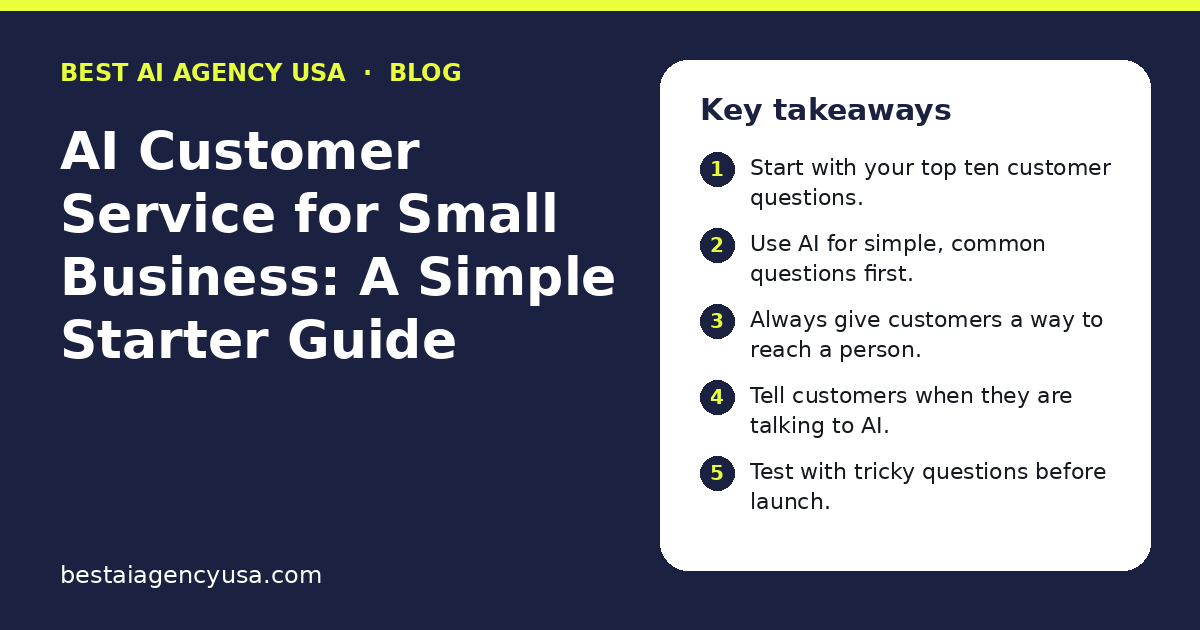
Key takeaways
- Start with your top ten customer questions.
- Use AI for simple, common questions first.
- Always give customers a way to reach a person.
- Tell customers when they are talking to AI.
- Test with tricky questions before launch.
- Read real chats every week and fix gaps.
Customers expect fast answers. Small teams often cannot reply at night or during a busy day. AI customer service can help. This guide explains what it is, where it works well, where it does not, and how to start safely.
What is AI customer service?
AI customer service means using software to answer customer questions, sort requests and help your team reply faster. It can work through website chat, email, text messages or a help page.
The software reads the customer’s message and finds the right answer from information you give it, such as your opening hours, return rules and service list. For harder questions, it passes the chat to a real person.
It is not magic. It only knows what you teach it. Good results come from good information and clear rules.
What can AI handle well for a small business?
AI works best on common, simple questions that have a clear answer. These are the questions your team answers again and again.
- Opening hours, location and parking.
- Services you offer and how to book.
- Order status and delivery questions.
- Return and refund rules.
- Price questions where you have a public price list.
- Collecting a name, email and request, then sending it to your team.
- Booking or rescheduling an appointment.
If you already know your top ten customer questions, you have a good starting point. Write them down with the right answers.
What should AI not handle alone?
AI should not handle sensitive, urgent or high-risk matters on its own. A person should always step in for these cases.
- Angry or upset customers.
- Health, legal or money advice.
- Complaints and disputes.
- Large orders or special deals.
- Anything where a wrong answer could cause harm.
- Requests to change or delete personal data.
Set a clear rule: when the customer asks for a person, or when the AI is not sure, the chat goes to your team. Never trap customers in a loop with no way out.
How is AI different from a simple chatbot?
A simple chatbot follows a fixed script with buttons. An AI assistant can read normal sentences and give a fitting reply. The AI type is more flexible, but it also needs more care and testing.
| Feature | Script chatbot | AI assistant |
|---|---|---|
| How it answers | Fixed menu and buttons | Understands normal sentences |
| Setup effort | Lower | Medium, needs good source content |
| Handles odd questions | Poorly | Better, but can still be wrong |
| Risk of wrong answers | Low | Needs testing and limits |
| Best for | Very simple flows | Mixed questions, many topics |
Some businesses use both. A short menu handles the basics, and the AI handles open questions. Pick the one that matches your volume and your risk.
How do you set up AI customer service step by step?
Start small. Pick one channel and one set of questions, test it, then grow. Do not try to automate everything at once.
- List your top questions. Look at your emails, calls and messages from the last few months.
- Write the right answers. Keep them short, clear and up to date.
- Choose one channel. Website chat is a common start.
- Set the limits. Decide what the AI may and may not say.
- Set the hand-off. Decide when and how a person takes over.
- Test it. Ask it real and tricky questions. Fix wrong answers.
- Launch softly. Run it for a small group first or during quiet hours.
- Review weekly. Read chats, find gaps and improve.
If you want help with the bigger plan, see how an AI automation agency in the USA works and what it can do for you.
What about privacy and customer data?
Treat customer messages as private. Collect only what you need, tell people when they are talking to AI, and know where the data is stored and who can see it.
Before you pick a tool, ask these questions:
- Where is chat data stored, and for how long?
- Is customer data used to train other models?
- Who at the vendor can see our chats?
- Can we delete data when a customer asks?
- Does the tool let us set what the AI can access?
Never let the AI collect card numbers or passwords in chat. Send customers to a secure payment page instead. Rules differ by state and by industry, so ask a qualified legal adviser if you work in a field with strict rules, such as health or finance.
How should the AI sound to your customers?
The AI should sound like your business: clear, polite and short. Decide the tone before launch and write it down, so every reply feels the same.
Here are simple rules for tone:
- Use short sentences and plain words.
- Say sorry once when something went wrong, then give the next step.
- Do not pretend to be a person.
- Do not promise things the AI cannot check, such as exact delivery dates.
- End with a clear next step, like a booking link or an offer to connect a person.
Test the tone with a few friends or staff members who do not know the setup. Ask them if the replies feel helpful or cold. Small changes to wording can make a big difference in how customers feel. Also check that the AI reads well on a phone, since many customers chat from their phones.
Keep a short style note for your team too. When a person takes over a chat, the voice should not change too much. This makes the hand-off feel smooth for the customer.
How do you measure if it is working?
Track a few simple numbers each month. You do not need a complex report. You need to know if customers get help faster and if your team has more time.
| What to track | Why it matters |
|---|---|
| Time to first reply | Shows if customers wait less |
| Questions solved without a person | Shows how much work AI takes off your team |
| Hand-offs to staff | Shows where the AI is not sure |
| Customer feedback | Shows if people are happy |
| Wrong or poor answers | Shows what to fix first |
| Leads captured | Shows value for sales |
Read a sample of real chats every week. Numbers help, but real chats show you what is wrong and what customers really want.
What affects the cost of AI customer service?
Cost depends on how many channels you use, how much content the AI must learn, how it connects to your other tools, and how much testing and support you need. We do not list prices here because each business is different.
- Number of channels, such as chat, email and text.
- Amount and quality of your source content.
- Links to your booking, order or CRM tools.
- Level of testing and review before launch.
- Ongoing support and updates.
For a wider look at what advice costs, read our guide on how much an AI consultant costs in the USA.
What mistakes should you avoid?
The most common mistake is launching without testing. Other mistakes are listed here so you can avoid them.
- Teaching the AI with old or wrong information.
- Hiding the way to reach a real person.
- Not telling customers they are talking to AI.
- Trying to automate every question on day one.
- Never reading the chats after launch.
- Giving the AI access to more data than it needs.
- Choosing a tool before you know your needs.
If you are unsure about the right tool or plan, a short review with an expert can help. Our AI consulting company guide explains what a consultant does and how to pick one.
How can you get started?
Begin with your top ten questions and one channel. Write the answers, set the limits, and test with your own team first. When it works well, add more.
If you would like help, Shivah Web Tech, the team behind this site, has more than 11 years of work and 500+ projects, with offices in Troy, Michigan and Mohali, India. You can start from our home page and ask for a short meeting to talk about your plan. We will give you a clear quote after a free call.
Frequently asked questions
Will AI replace my customer service team?
For most small businesses, no. AI takes over simple, repeated questions so your team can spend time on harder cases and on customers who need care. People still need to handle complaints, special requests and anything sensitive. Think of AI as a helper, not a full replacement.
How accurate are AI answers?
Accuracy depends on the content you give it and the limits you set. With clear, current information, answers can be good for simple topics. AI can still make mistakes, so test it, keep a hand-off to a person and review chats often to fix wrong replies.
Do I need to tell customers they are talking to AI?
It is good practice, and some rules may require it depending on where and how you work. A short line at the start, such as saying this is an AI assistant, builds trust. Also show how to reach a person. Ask a legal adviser about your case.
Which channel should I start with?
Website chat is a common first choice because it is simple to launch and easy to review. If most of your customers write by email or text, start there instead. Pick one channel, get it working well, and then add others.
How long does it take to set up?
A basic setup can be quick if your answers are ready and your needs are clear. Time grows when you need links to booking, order or CRM tools, or when you need a lot of testing. Ask for a written plan and timeline from your partner.
Is customer data safe with AI tools?
It depends on the tool and how you set it up. Ask where data is stored, who can see it, whether it is used to train models, and how you can delete it. Do not collect card numbers or passwords in chat. Collect only what you need.
What if the AI gives a wrong answer?
Fix the source information, adjust the rules, and test again. Keep a log of wrong answers and review it weekly. Make sure customers can easily ask for a person. For sensitive topics, set the AI to pass the chat to your team instead of answering.
Need help? Talk to us today
Call +1 810 380 9455 for a free AI consultation